
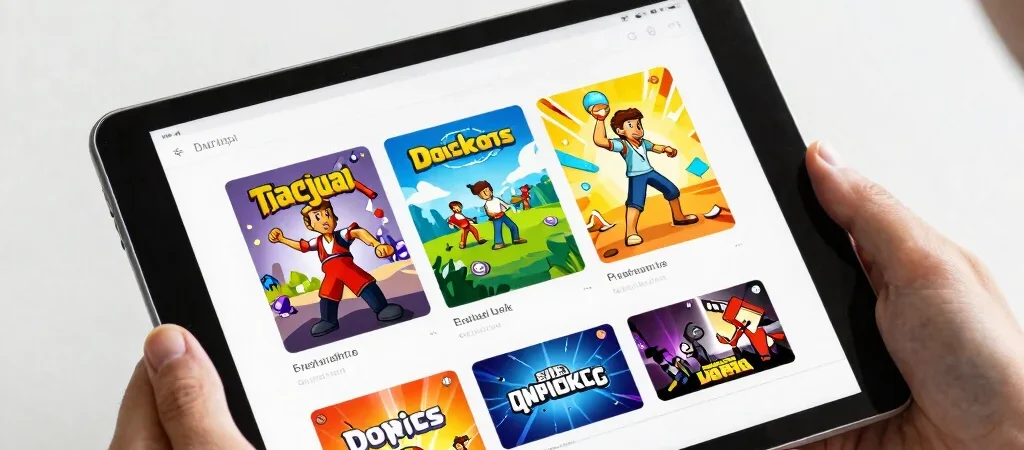
It’s tempting to open the first title marked popular and assume the choice is made. But popularity answers one question—what other players are picking—not whether you want a puzzle, a race, or something more exploratory right now. Use the section to discover options, then make the fit your own.
Let Popularity Open A Door
Popular with players is useful when you don’t know where to begin. Pick a listing that catches your eye, then check its genre and description before starting. If the basic idea doesn’t appeal, move on; a busy section is still just one route through the collection.
Compare Different Signals
Featured games offer another place to look, while recently added titles can surface something new to you. Player recommendations add a human point of discovery, but they won’t replace your own preferences. These sections work best as different doors into the same organized collection.
Find Your Own Fit
Before you play, glance at the instructions so you know what the game asks you to do. If you’re browsing with a child or another player, compare a couple of descriptions and let each person say what sounds appealing. The popular pick might be right; the useful part is knowing why you chose it.